

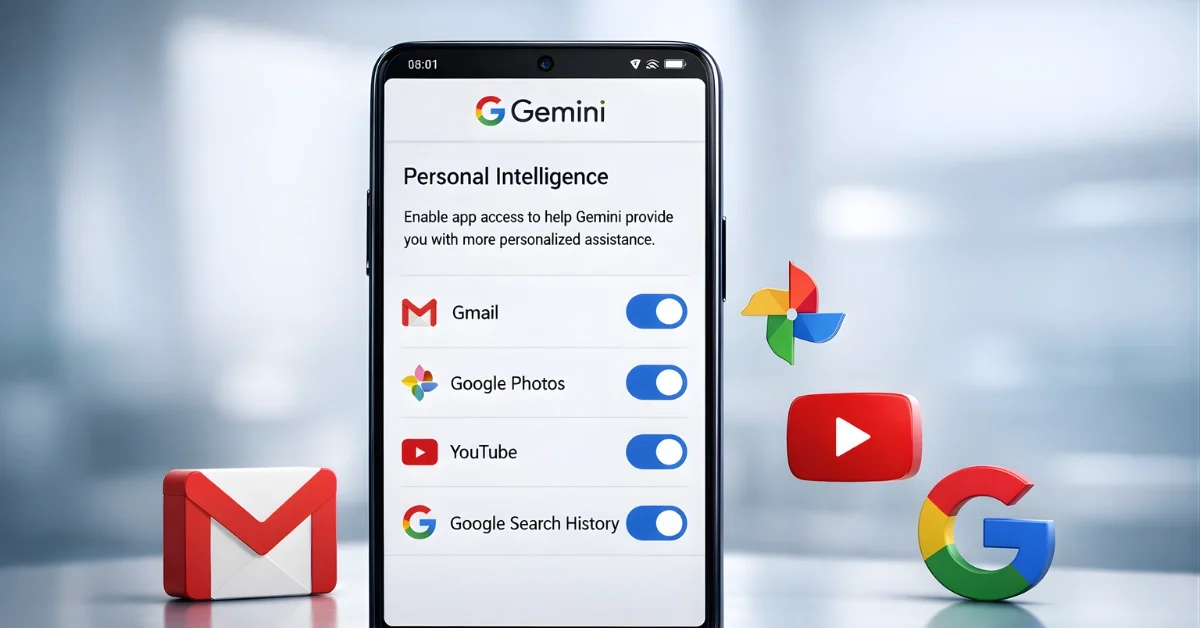
Google has introduced a new Gemini feature called “Personal Intelligence” that personalizes answers by connecting to a user’s Google apps, with Google describing it as a step toward a more personal, proactive assistant. The feature is launching as a beta in the U.S., and Google says it is designed to be optional, with users choosing whether to enable it and which apps to connect.
Gemini’s Personal Intelligence is built to pull relevant details from information already stored in a person’s Google services—like emails, photos, and activity history—so responses can feel more tailored to that individual. Google positions this as a way to reduce the need to manually search through accounts when a quick, specific answer is needed.
What Personal Intelligence does
Google says Personal Intelligence has two main strengths: it can reason across complex sources and retrieve specific details from a connected source, such as an email or a photo, to answer a question. It can also combine those abilities across different formats, including text, photos, and video, to produce more personalized replies.
Google shared an example where Gemini helped with a real-world errand by using connected sources to provide more context than a typical chatbot. In that example, Google said Gemini referenced road trip photos and pulled details from Gmail and Google Photos to help identify information needed at a tire shop, including pulling a license plate number from a photo.
Which apps Gemini can connect
Google says users can personalize Gemini by connecting Google apps “with a single tap,” and the setup is intended to be simple while keeping control in the user’s hands. Google specifically mentions connecting Gmail, Google Photos, YouTube, and Search in a single tap as part of the experience.
In addition, a separate description of the feature says Gemini can use information across Google Workspace apps (including Gmail, Calendar, and Drive), Google Photos, YouTube watch history, and Search services. The same description lists Search-related services that may be used for personalization, including Search, Shopping, News, Maps, Google Flights, and Hotels.
Privacy controls and guardrails
Google says connecting apps through Personal Intelligence is off by default, and users choose whether to turn it on, which apps to connect, and can turn it off at any time. Google also says Gemini will try to reference or explain the information it used from connected sources so a user can verify where the answer came from.
Google says Gemini does not train directly on a user’s Gmail inbox or Google Photos library, and instead trains on limited information such as prompts and the model’s responses to improve the experience over time. Google further explains that personal content like photos and emails used to produce a reply are referenced to deliver the response, rather than being directly used to train the model.
Google also says it has guardrails for sensitive topics, aiming to avoid making proactive assumptions about sensitive data like health, while still discussing it if a user asks. The company warns that, despite testing, the beta can still produce inaccurate responses or “over-personalization,” where it makes connections between unrelated topics, and it encourages feedback through a thumbs-down signal.
Who gets it and how to enable
Google says access is rolling out over the next week to eligible Google AI Pro and AI Ultra subscribers in the U.S., and the beta is available for personal Google accounts rather than Workspace accounts for business, enterprise, or education. Google says that once enabled, Personal Intelligence can work across web, Android, and iOS, and it works with all models in the Gemini model picker.
For users who do not see an invitation on the Gemini home screen, Google provides steps to enable the feature by going into Settings, selecting Personal Intelligence, and then choosing Connected Apps such as Gmail and Photos. Google also says it plans to expand the feature over time to more countries and to the free tier, and that it is coming to AI Mode in Search soon.
